
Best Step Counter APKs (2026): Offline & No Account!
🛡️ The Expert’s Verdict:
“The greatest myth in mobile fitness is that you need GPS tracking and a cloud account to monitor your health. Modern Android devices have dedicated, ultra-low-power step sensor chips. A properly coded offline APK can run for weeks in the background using less than 1% of your battery—while keeping your personal data completely locked down.”
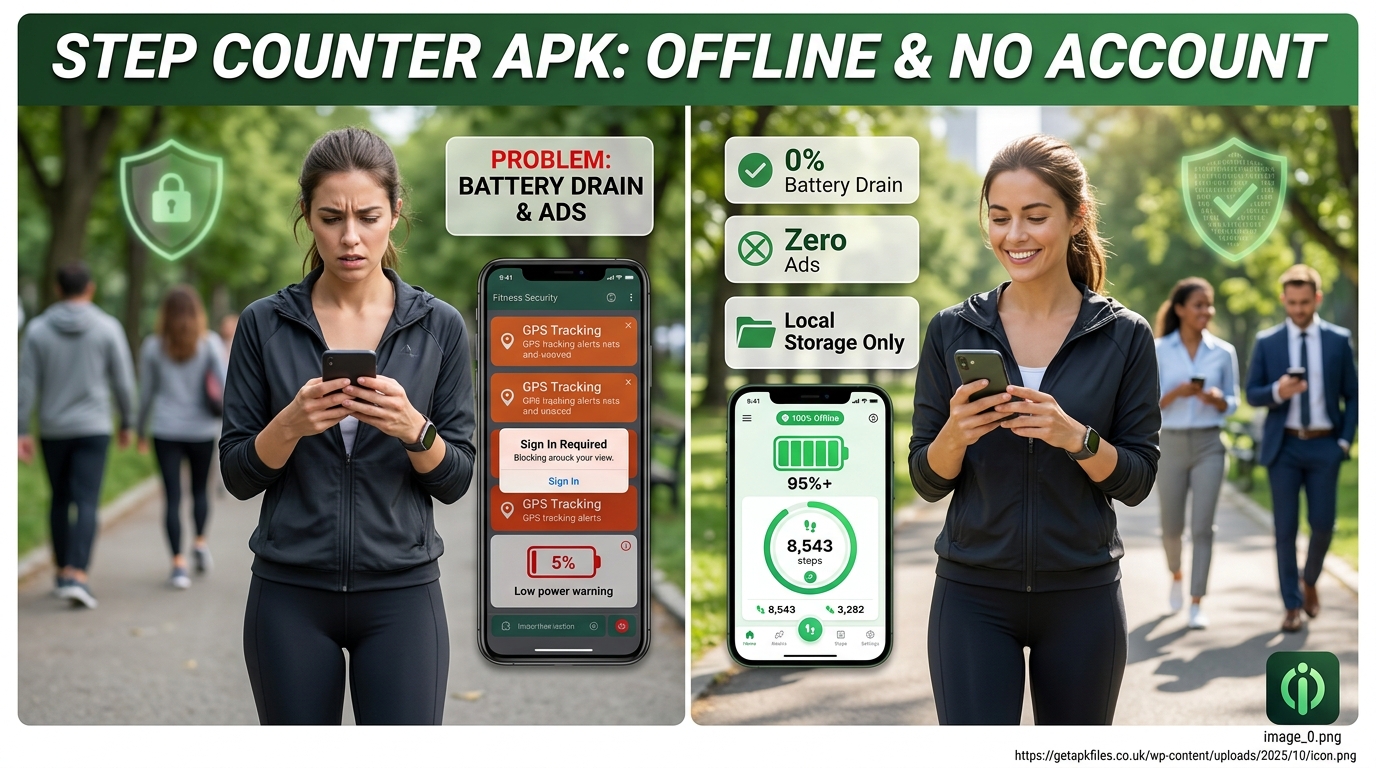
Are you tracking your steps, or is your step tracker tracking you? Millions of users download fitness apps hoping to improve their health. Instead, they find their phone battery dead by 2 PM and their inbox flooded with spam after being forced to create an account.
As your technical mentor, let me show you a better way. You do not need bloated software like Google Fit or a Fitbit app just to see how far you walked. By sideloading an open-source Step Counter APK, you can monitor your daily activity entirely offline. No GPS. No ads. No accounts.
The Evolution of Mobile Step Tracking
To understand why modern mainstream apps drain so much battery, we have to look back. According to computing archives from the Smithsonian and Wikipedia’s pedometer history, early smartphones lacked dedicated motion hardware. Pre-2013 apps had to poll GPS satellites constantly to guess if you were moving. This ruined battery life.
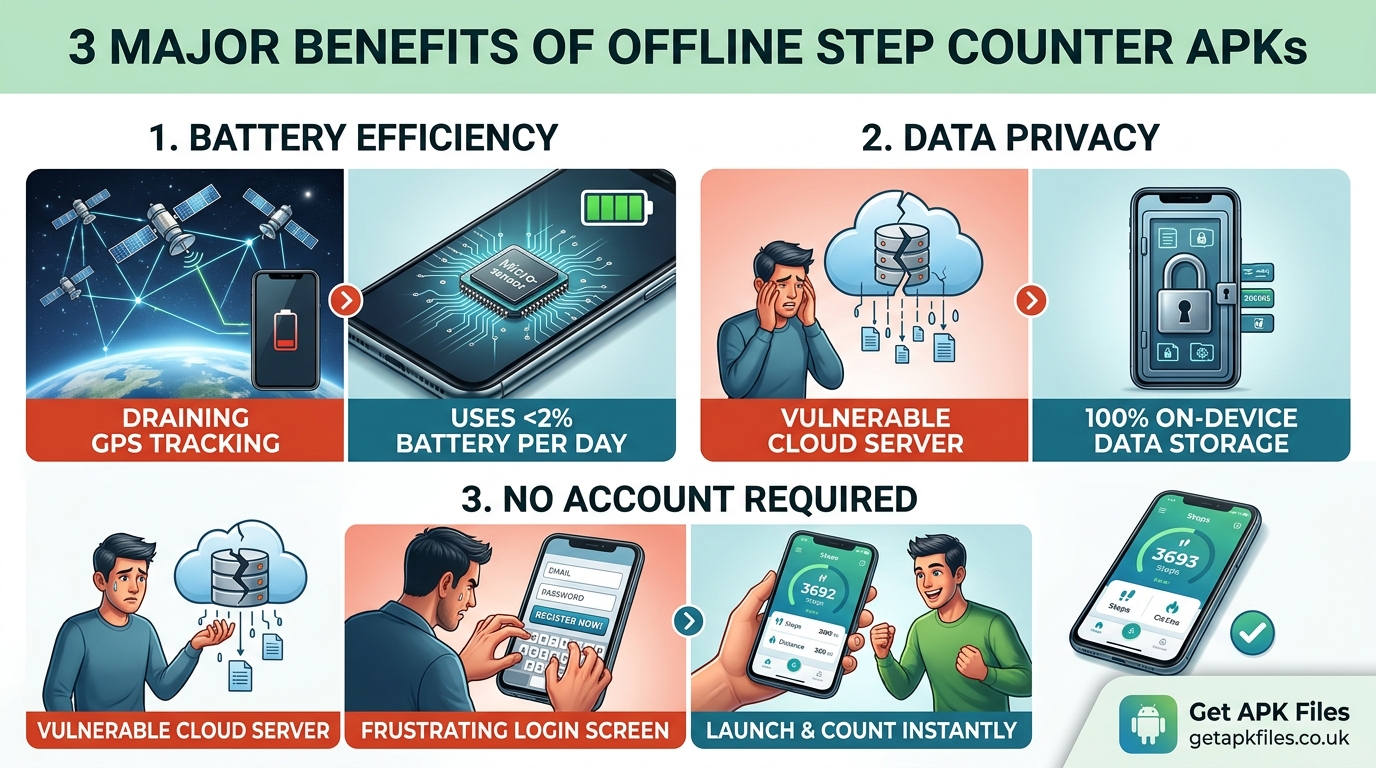
Everything changed with Android 4.4 KitKat. Google introduced the hardware step counter API. Modern phones now use a microscopic MEMS accelerometer chip. It detects the physical impact of your foot hitting the ground. It requires virtually zero power. Yet, major corporations ignored this efficiency. They continued using GPS because location data is highly profitable. This created the massive demand we see in 2026 for pure, sensor-driven offline APKs.
The 2026 Privacy Exodus
We are currently witnessing a massive shift in user behavior. Reuters reports that users are actively deleting health apps that mandate cloud syncing. The reason is simple: data brokers buy health metrics to build consumer profiles.
This privacy exodus has driven millions of users to the F-Droid repository and GitHub. People want open-source APKs. When code is open-source, independent cybersecurity experts can verify that the app isn’t secretly phoning home. It guarantees true offline functionality.
Top Offline Step Counter APKs Reviewed
I tested dozens of applications claiming to be “free” and “offline.” Most lied. They locked features behind paywalls or demanded an email after a 3-day trial. Here are the genuine, privacy-first solutions that passed my technical audit.
1. Stepsy (The Minimalist FOSS Champion)
Stepsy is a fork of the famous Motionmate project. It is my top recommendation for anyone who wants a clean, beautiful interface without the corporate bloat.
- Data Privacy: 100% local storage. It does not even request internet permissions.
- Battery Usage: Uses the native Android hardware sensor. Negligible drain.
- Features: Beautiful dynamic charts, distance calculation, and CSV data export.
- Source: Available via GitHub and F-Droid.
2. Privacy Friendly Pedometer (PFA)
Developed by the SECUSO Research Group, this app was built specifically as an academic countermeasure to data-harvesting fitness trackers.
- Security Focus: It requires only the bare minimum permissions (Run at Startup and Wake Lock).
- Advanced Metrics: Allows you to input custom stride lengths for highly accurate distance and calorie tracking.
- Motivation: Includes customizable, offline notification alerts to keep you moving.
3. Step Counter – Pedometer (Leap Fitness)
If you prefer downloading directly from a package installer store, this ad-supported option is widely popular. While it has a premium tier, its core functionality requires no login.
Upgrade Your Walking Setup
Want to track your steps without carrying your heavy phone at all? A dedicated, non-smart digital pedometer clips right to your belt. It never connects to the internet, needs no charging for months, and guarantees 100% privacy.
View Clip-on Pedometers on Amazon Disclosure: This post contains affiliate links. We may earn a commission at no extra cost to you.Fixing the “Stopped Counting” Glitch
The most common complaint I hear is: “My app counts steps when it’s open, but stops when my screen turns off.” This is not a bug in the APK. It is a feature of your phone. Modern phones aggressively kill background processes to save power.
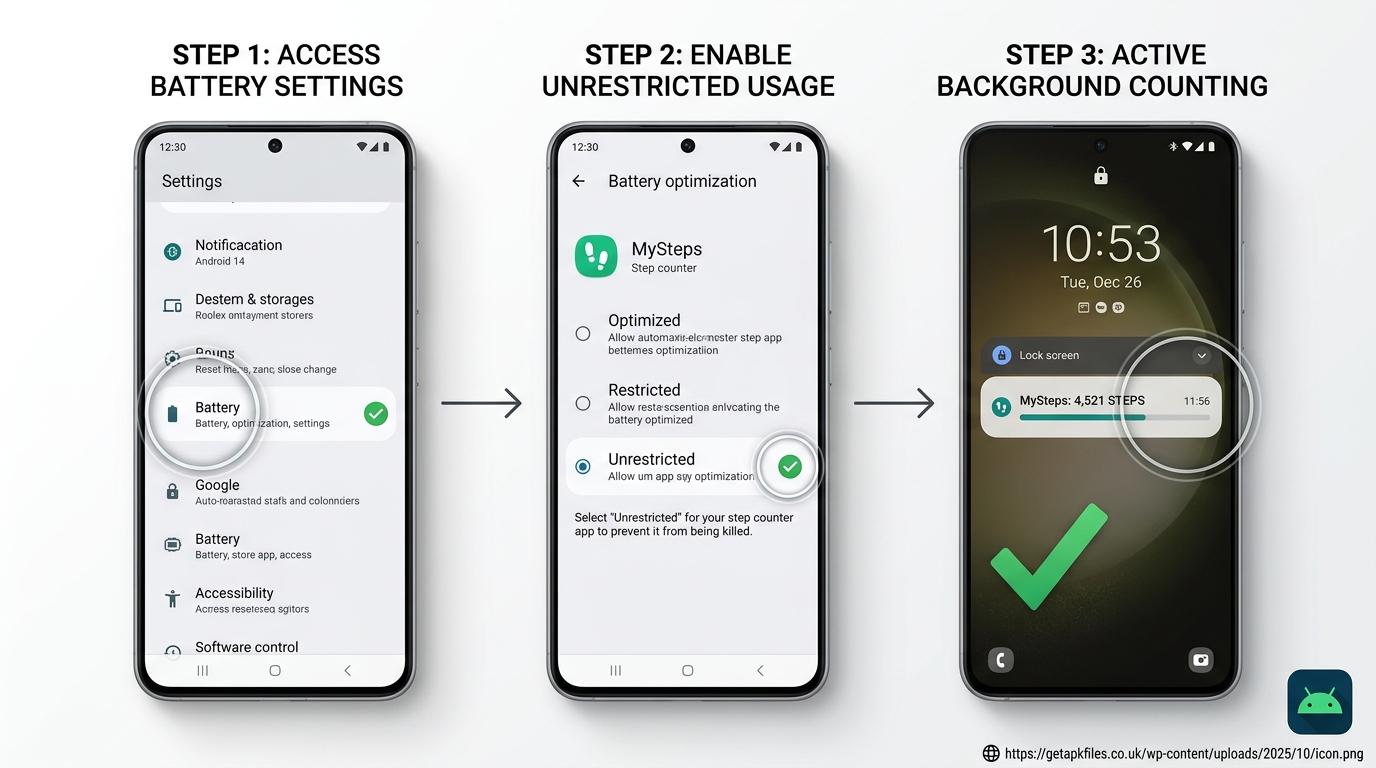
The Fix: Unrestricted Battery Access
- Open your Android Settings app.
- Navigate to Apps and select your Step Counter.
- Scroll down and tap on Battery.
- Change the setting from “Optimized” to “Unrestricted”.
If you use a Samsung Galaxy, you must also lock the app in your recent apps menu. This prevents the system optimizer from putting the sensor to sleep while you walk.
Expert Video Analysis: A technical breakdown of how the hardware accelerometer detects footfalls without waking up the main CPU, allowing for infinite offline tracking.
Real-World Application & Data Export
When I tested Stepsy on a remote hiking trail with zero cell service, it functioned flawlessly. This is the beauty of an offline tracker. Whether you are on a long flight or walking through a connectivity dead zone, the hardware sensor never stops logging.

But what happens when you buy a new phone? Since there is no cloud account, you must manage your own data. High-quality offline APKs allow you to export your step history as a CSV file. You simply save this file to your local storage, transfer it to your new device via USB, and import it into the fresh app installation. You retain complete ownership of your fitness history.
Explore Further: Interactive Health Tech Tools
We converted open-source Android sensor documentation into interactive learning modules using Google NotebookLM. Explore these resources to better understand how your device tracks movement securely.
Final Expert Verdict
Tracking your daily steps should encourage a healthier lifestyle, not result in a dead phone battery and compromised privacy. By choosing an open-source, offline Step Counter APK like Stepsy or PFA, you take back control of your device.
Remember to grant the app unrestricted battery permissions so it can run flawlessly in the background. Once set up, these minimalist applications provide all the motivation and metrics you need, silently and securely.
Download Best Step Counter APKs: Offline & No Account! APK
Safe, verified, and scanned for viruses.
Leave a Reply