
Pixel Launcher APK (2026): Get Android 17 on Any Phone!
Are you tired of heavy, bloated OEM skins like Samsung’s One UI or Xiaomi’s HyperOS slowing down your device? The official Android 17 interface is cleaner and faster than ever, and you don’t need to spend $900 on a new Google device to get it.
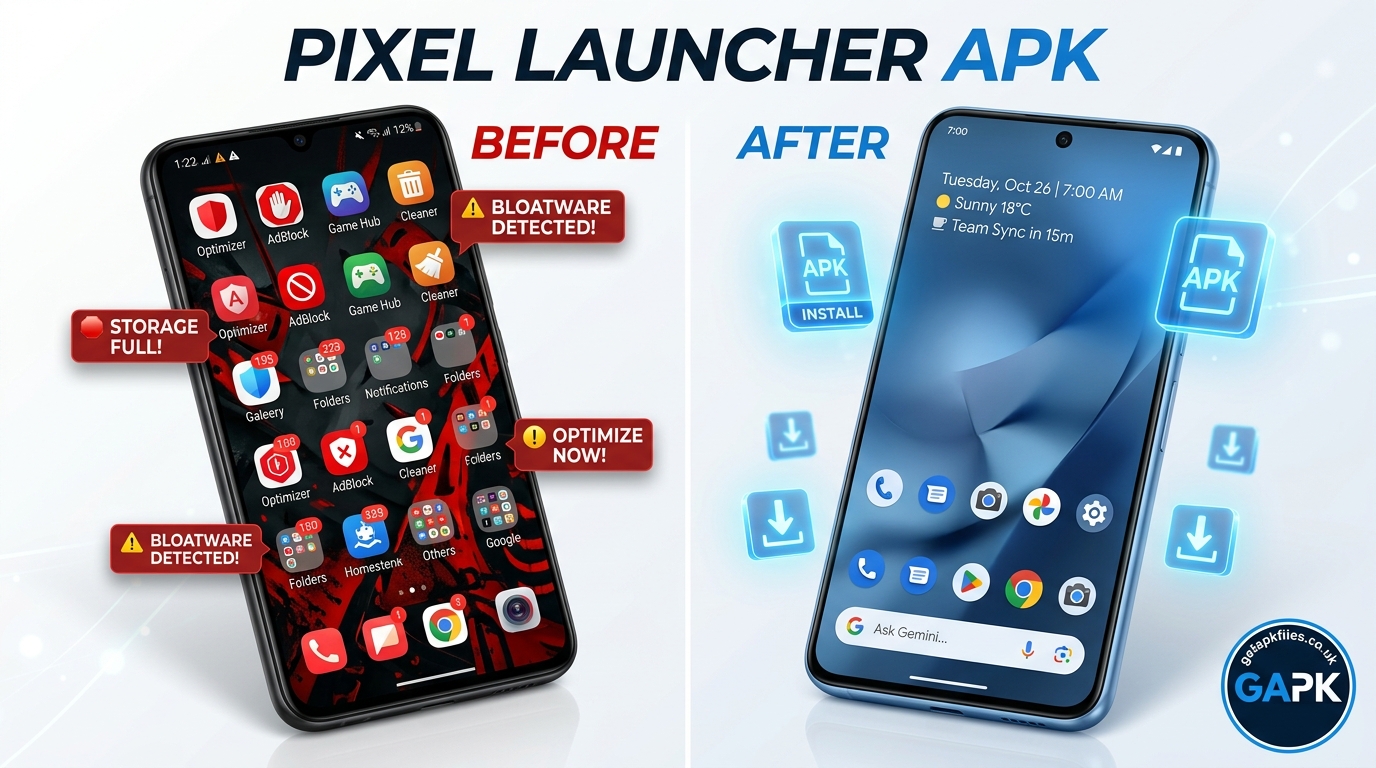
We created interactive study materials using NotebookLM to help you bypass installation errors and master the new UI.
1. The Evolution: From Nexus to Rootless Pixel Launcher
Understanding why installing the Pixel Launcher is notoriously tricky requires looking at its history. Back in 2016, Google abandoned the universal Google Now Launcher in favor of the exclusive Nexus Launcher (later rebranded for the original Pixel phone). This meant that the cleanest, fastest Android experience was locked behind a hardware purchase.
For years, developers fought a constant battle with Google’s API restrictions. In 2018, developers like AmirZ created the famous Rootless Pixel Launcher, which cleverly bypassed the need for Magisk or root access to backport features to older phones. Today, the challenge has shifted from root requirements to strict API targeting.
Why The Google Discover Feed Breaks
Historically, the coveted “swipe right for Google Discover” feature required the launcher to be installed as a system app. To solve this without root, developers created the Pixel Bridge (or AIDLBridge). Even in 2026, if you want the news feed to work on a non-Google phone, you still need this secondary companion APK installed alongside the main launcher.
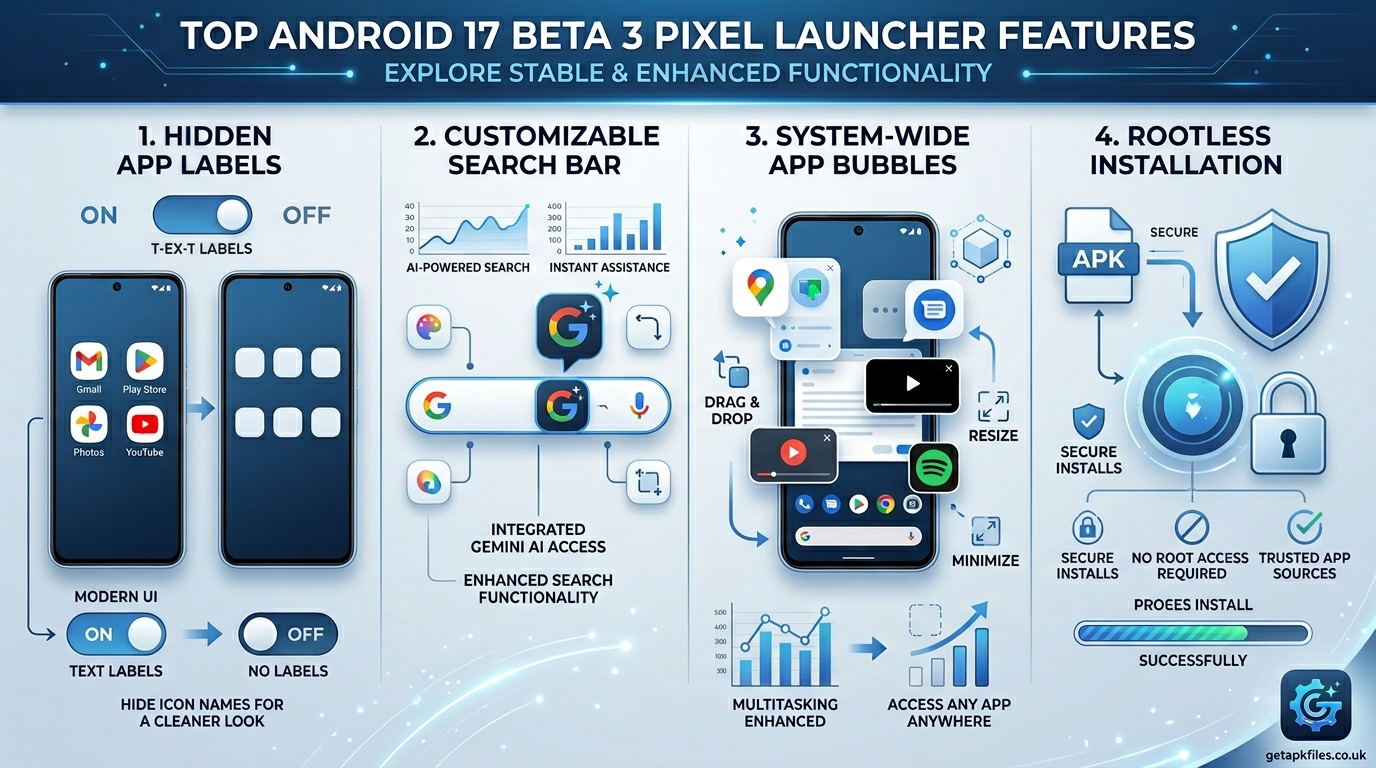
2. Android 17 Beta 3: What’s New in the Pixel Launcher?
The March 2026 release of Android 17 Beta introduced massive UI shifts. If you are upgrading from an older Android 13 or 14 interface, here is what you gain by sideloading the latest APK.
-
1
System-Wide App Bubbles: As confirmed by 9to5Google, you can now long-press any launcher icon to bubble it. This allows massive multitasking on large screens and foldables.
-
2
Hidden App Labels: A highly requested feature by customizers. You can finally toggle off the text beneath app icons on the home screen, resulting in an incredibly clean, minimalist aesthetic.
-
3
Customizable Search Bar: The classic bottom search bar has returned, but now it allows you to swap out the standard Google Assistant icon for the new Gemini AI mode or direct Google Lens access.
3. Installation Guide & Fixing the “Parse Error”
Here is where most users get stuck. If you simply download the official Android 17 Pixel Launcher APK from Google and try to install it on a Samsung Galaxy S24 running Android 14, it will fail.
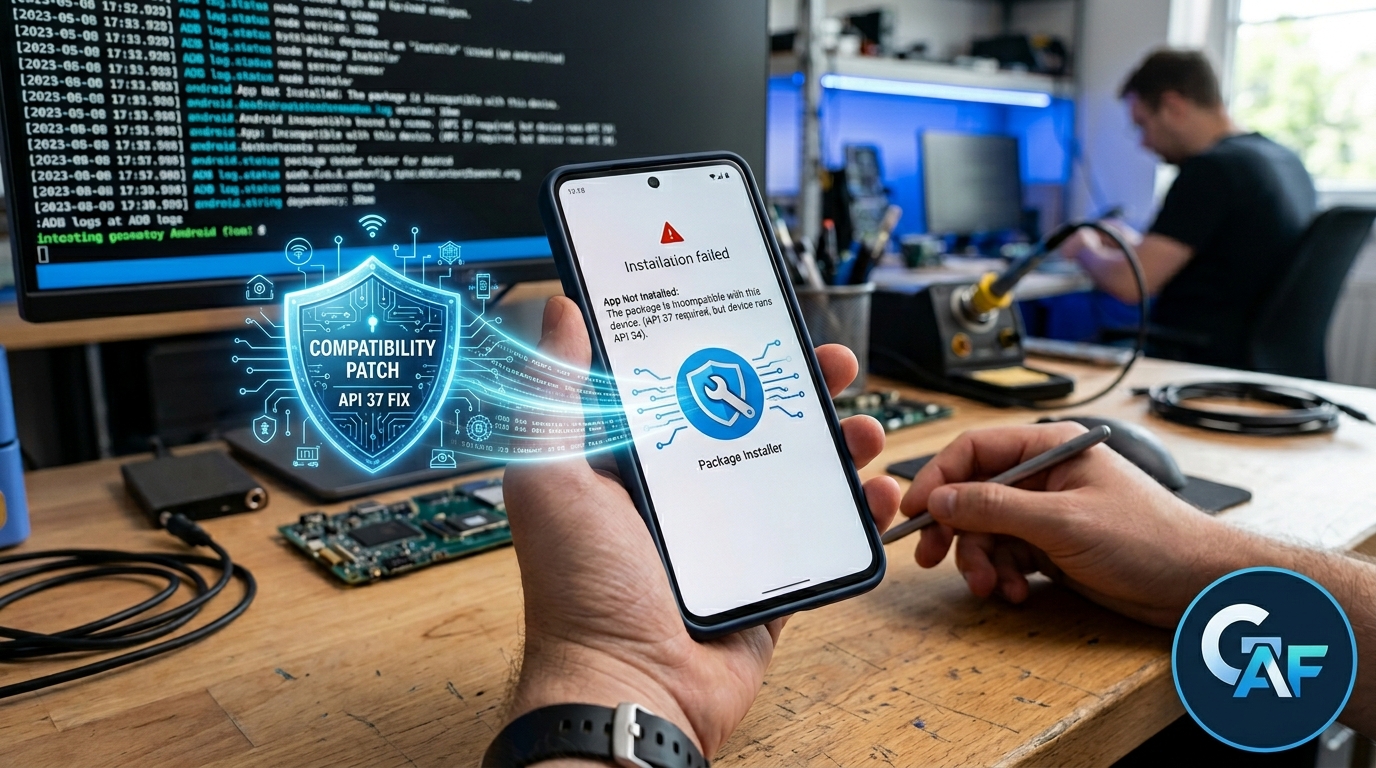
⚠️ Why You Get “App Not Installed”
The official Android 17 APK targets API Level 37. Modern Android security blocks the installation of apps that drastically mismatch your phone’s API level. Additionally, Google uses signature verification that conflicts with your OEM’s pre-installed tools.
The Secure Rootless Installation Method
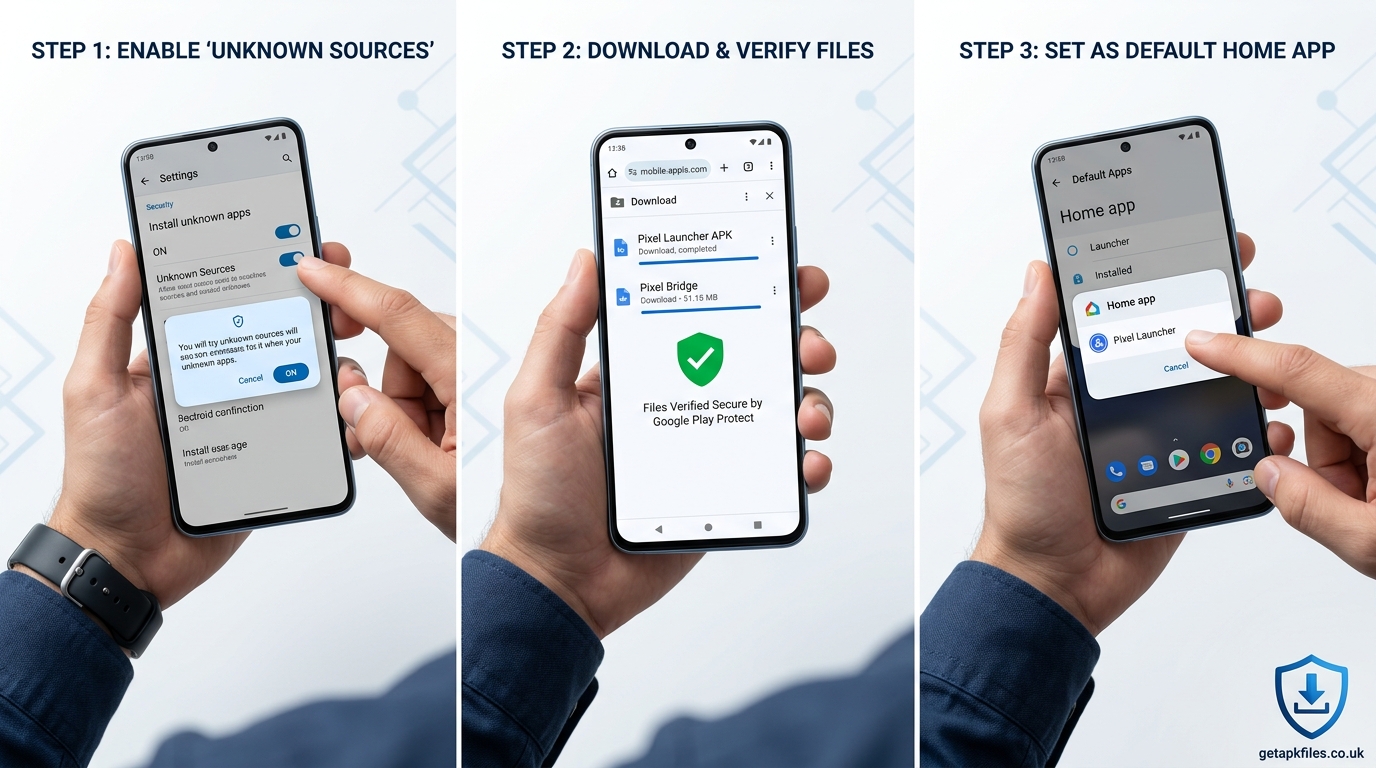
To bypass these errors and get the Android 17 look safely without root, follow these exact steps:
- Enable Unknown Sources: Ensure your browser is allowed to install apps. Read our guide on managing unknown sources safely.
- Use a Backported Mod: Do not use the raw Google APK. Instead, download a community-modified version like Pix Launcher or the latest Lawnchair build that has been backported to support older API levels.
- Install the Pixel Bridge: To get the swipe-left Google Discover feed, download and install the separate Pixel Bridge APK.
- Bypass the Target SDK Block (Advanced): If you still get errors, you must use ADB commands from a PC:
adb install --bypass-low-target-sdk-block launcher.apk
If you face persistent package issues, review our dedicated guide on fixing the Android Package Installer.
4. Comparative Analysis: Pixel Launcher vs. Nova Launcher
Is sideloading the Pixel Launcher actually worth the hassle when third-party alternatives exist? Let’s compare the raw Android 17 Pixel experience against Nova Launcher 8 (the current gold standard for customization).
| Feature Matrix | Pixel Launcher (Android 17) | Nova Launcher 8 |
|---|---|---|
| Fluidity & Animations | Perfect (System Level) | Good, but occasionally stutters with gesture navigation |
| At a Glance Widget | Native & fully functional | Requires third-party recreations |
| Deep Customization | Low (Cannot change icon packs easily) | Extreme (Change everything) |
| Installation Difficulty | High (Requires modified APKs / ADB) | Easy (Direct from Google Play) |
The Expert Assessment: If you love tweaking every single icon size and grid dimension, stick with Nova. However, if your goal is the absolute smoothest, most integrated Google experience with flawless gesture navigation, the backported Pixel Launcher is vastly superior.
Watch: Fixing Pixel Launcher Installation Errors
This technical breakdown shows exactly how to use ADB to push older APKs onto modern Android systems, bypassing the restrictive target SDK blocks.
Upgrade Your Android Experience
A clean launcher is only half the battle. To truly experience the fluidity of Android 17, you need hardware that can keep up. Check out the latest unlocked Google Pixel deals to get the native experience out of the box.
Check Pixel Prices on Amazon Disclosure: This post contains affiliate links. We may earn a commission.The Final Verdict & Download
The Android 17 Pixel Launcher brings subtle but incredibly powerful changes to the Android ecosystem. System-wide App Bubbles and the return of a customizable search bar make multitasking vastly superior to previous iterations.
While installing the official APK on a non-Pixel device triggers “App Not Installed” API 37 errors, utilizing a backported version like Pix Launcher alongside the Pixel Bridge completely solves the problem. It requires a bit of technical troubleshooting, but the result is a beautifully clean, bloatware-free home screen.
Authoritative References & Historical Context
- Android Developers Blog (Feb 2026): Android 17 Beta Updates
- 9to5Google (Feb 2026): System-wide Bubbles in Android 17
- Android Central (Feb 2026): Pixel Launcher UI Changes
- AmirZ GitHub Repository: Historical Rootless Launcher Documentation
Related GetAPKFiles Troubleshooting Guides
Download Pixel Launcher APK: Get Android 17 on Any Phone! APK
Safe, verified, and scanned for viruses.
Leave a Reply