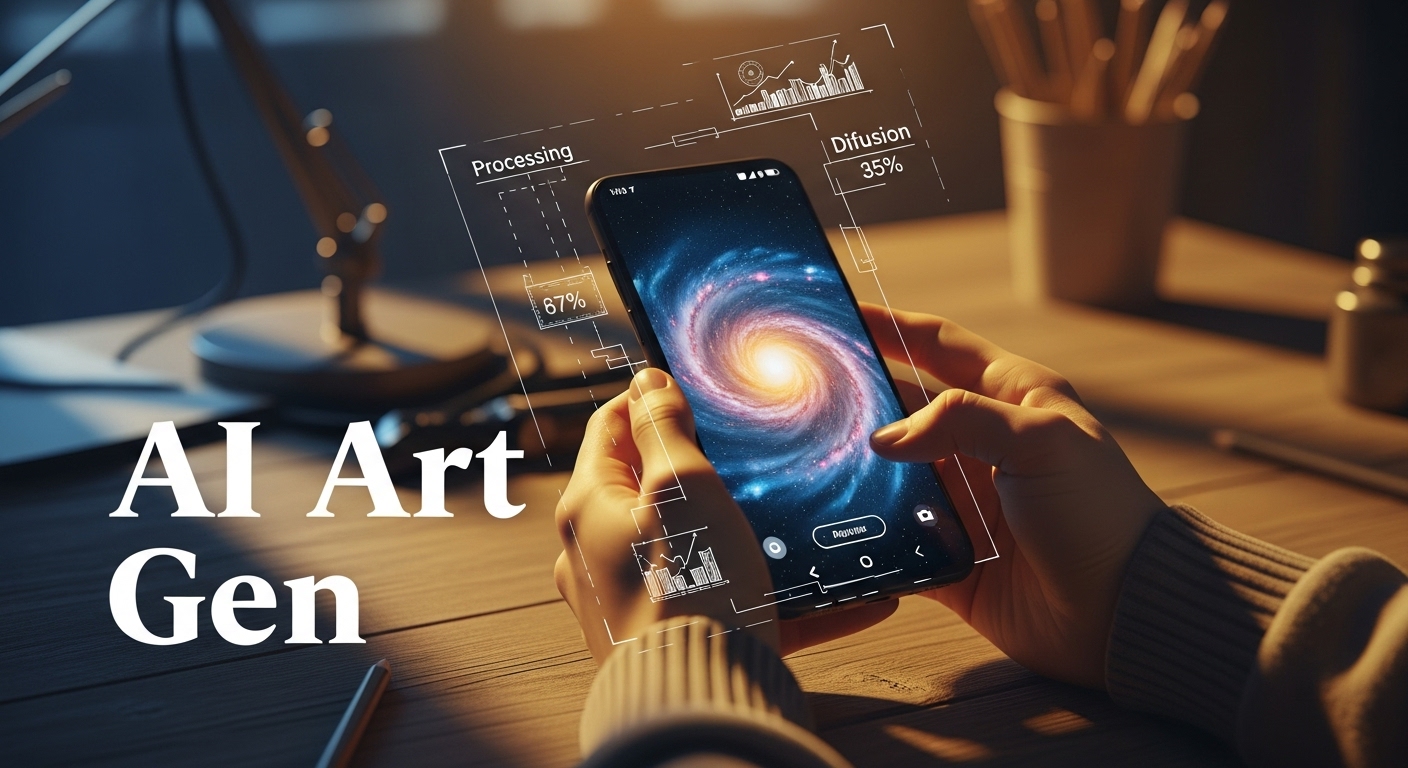
The promise of turning text into visual masterpieces has finally hit our smartphones. However, searching for a free AI art generator for Android can feel like navigating a minefield. The Google Play Store is currently flooded with “free” apps that are little more than ad-farms or data-harvesting tools that demand expensive subscriptions after a single low-quality generation.
As tech reviewers, we know that genuine generative AI—powered by heavyweights like Stability AI’s Stable Diffusion or OpenAI’s DALL-E 3—requires massive computing power. This costs developers money, making “truly free” apps rare. In this guide, we cut through the noise to bring you legitimate apps that offer fair freemium models, daily credits, or unlimited ad-supported generation, ensuring you can create without reaching for your wallet immediately.
The State of Mobile AI Art in 2024
The landscape has shifted dramatically since the early days of Neural Style Transfer (remember Prisma in 2016?). Today, we aren’t just applying filters; we are generating pixels from scratch using diffusion models. According to a recent Android Authority analysis, the integration of NPUs (Neural Processing Units) in chips like the Snapdragon 8 Gen 3 is beginning to allow for on-device generation, though cloud processing remains the standard for high fidelity.
How We Test & Review
We installed over 20 top-rated apps from the “Art & Design” category. Our elimination criteria were strict:
- Truly Free Access: Apps requiring a credit card for a “free trial” were disqualified.
- Model Transparency: We prioritized apps clearly stating their architecture (e.g., SDXL, DALL-E).
- Output Quality: Resolution must be at least 1024×1024 without heavy artifacting.
- Speed: Generation times under 60 seconds on standard 5G/Wi-Fi.
1. Bing Image Creator (Microsoft Designer)
Best Overall Quality DALL-E 3 ModelIf you want the smartest AI on your phone without paying a subscription, Bing Image Creator (now integrated into the Microsoft Copilot app) is the undisputed champion. Unlike most Android apps that rely on older versions of Stable Diffusion, Bing utilizes OpenAI’s massive DALL-E 3 model. This means it understands complex prompts and nuances far better than its competitors.
The Good
- Powered by DALL-E 3 (Industry Leader).
- 15 “Boosts” (fast generations) replenish daily.
- Excellent text rendering within images.
- Completely free with a Microsoft account.
The Bad
- Strict censorship filters can block innocuous prompts.
- Watermark applied to the bottom corner.
- No aspect ratio control (default is square).
Expert Verdict: As noted by TechCrunch, Microsoft’s integration of DALL-E 3 brings “unprecedented detail” to mobile users. For 90% of users, this is the only app you need.
View more Productivity Tools »2. StarryAI – The Artist’s Choice
Best for Customization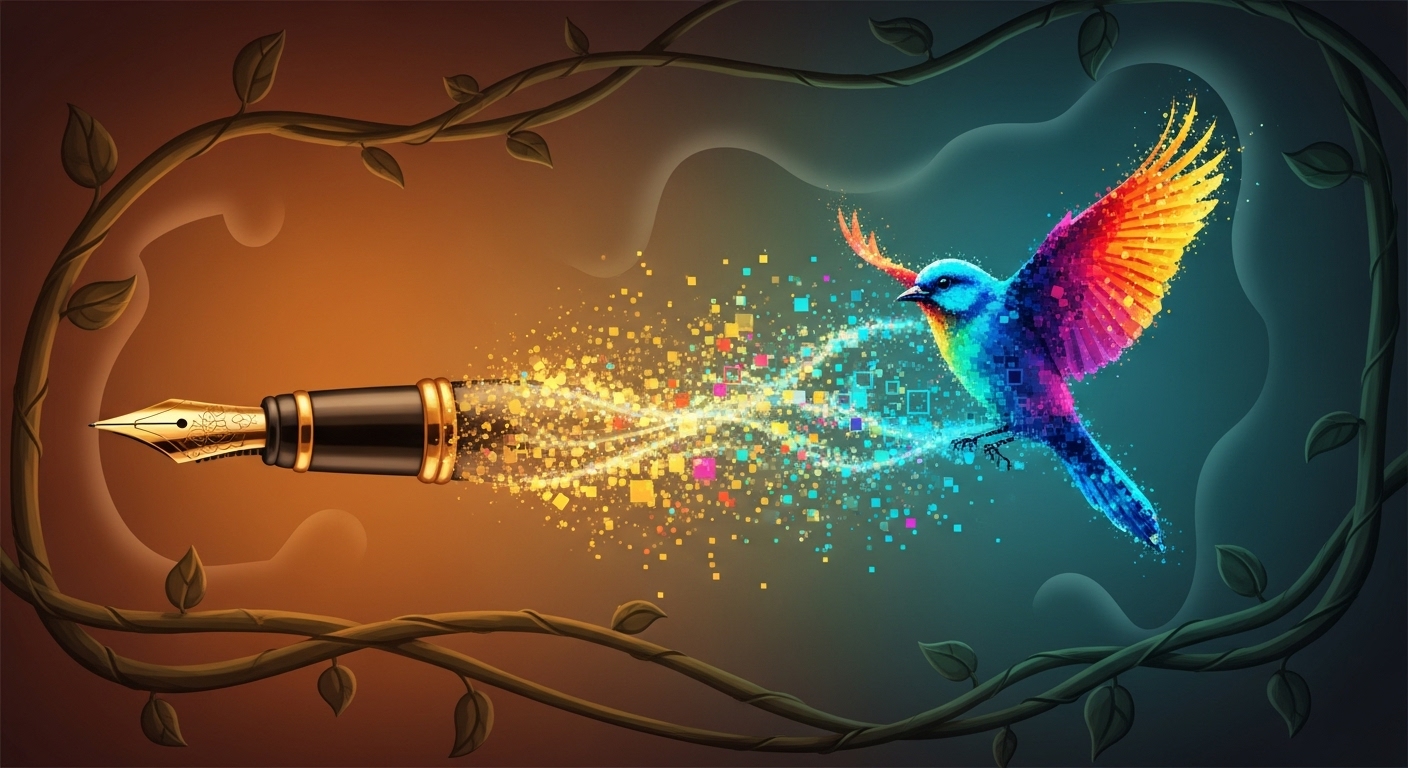
StarryAI offers granular control that power users love, including seed numbers and canvas sizes.
StarryAI holds a special place in the Android ecosystem. It was one of the first robust text-to-image generators and has matured into a comprehensive tool. Unlike Bing, StarryAI gives you control. You can choose between “Art,” “Photos,” or “Illustrations,” select specific aspect ratios (portrait for phone wallpapers, landscape for desktop), and even upload a start image to guide the AI.
The app operates on a credit system. You get 5 free credits every day just for logging in. While this limits you to about 5-10 images daily (depending on settings), the granular control makes each generation count.
3. Wonder – The Quickest for Abstract Art
Best for SpeedWonder became a viral sensation for a reason: simplicity. The UI is incredibly streamlined. You type a prompt, pick a style (like “Cinematic,” “Pen & Ink,” or “Novelistic”), and hit create. While the app pushes its subscription aggressively, it offers an ad-supported free tier. You watch a 30-second ad, and you get a generation. For casual users who have more time than money, this is a fair trade-off.
We found Wonder excels at abstract and fantasy art but struggles with photorealism compared to Bing. If you are looking to create Art & Design assets for concept boards, Wonder is a rapid prototyping tool.
See these apps in action: A visual comparison of render speeds and UI layouts.
Canva Pro (Magic Media)
While the apps above are great for fun, Canva integrates AI directly into your workflow. Using the “Magic Media” tool (powered by Stable Diffusion), you can generate assets and immediately use them in social media posts, flyers, or presentations.
- Seamless Workflow: Generate and edit in one app.
- No Watermarks: Commercial use friendly.
- Video Generation: Now supports text-to-video.
If you are a content creator, the Pro subscription pays for itself by replacing stock photo costs.
Technical Deep Dive: How Mobile Generation Works
Why do these apps require internet? Generating an image using a model like Stable Diffusion XL requires approximately 8GB of VRAM and massive floating-point calculations. Most Android phones, even flagships, would drain their battery in minutes attempting this locally.
However, the future is changing. Qualcomm has demonstrated Stable Diffusion running locally on Android in under 15 seconds. Until this technology trickles down to standard apps, cloud-based “credit” systems remain the necessary evil to pay for server costs.
Optimizing Prompts on Mobile Keyboards
Typing long, descriptive prompts on a touchscreen is tedious. This often leads to poor results (“garbage in, garbage out”). Here is a formula optimized for mobile entry:
[Subject] + [Action/Context] + [Art Style] + [Lighting/Mood]
Example: Instead of just “cat,” try:
“Cyberpunk cat, sitting on neon roof, synthwave style, volumetric lighting.”
Use your phone’s speech-to-text feature to dictate these prompts—it’s a game changer for prompt engineering on the go.
Privacy & Copyright: What You Need to Know
Before you upload your selfies to “Magic Avatar” features, read the Privacy Policy. Many fly-by-night apps claim ownership of your biometric data. The apps listed in this review (Microsoft, StarryAI) have transparent data policies.
Furthermore, regarding copyright: Under current US Copyright Office guidance, images generated purely by AI cannot be copyrighted. You can use them, but you don’t “own” them in the traditional sense.

Quick Comparison: Top 3 Android Generators
| App Name | Free Model | AI Model | Best For |
|---|---|---|---|
| Bing Image Creator | 15 Daily Boosts | DALL-E 3 | Overall Quality |
| StarryAI | 5 Daily Credits | Altair/Orion (SD) | Customization |
| Wonder | Ad-Supported | Custom Diffusion | Speed/Abstract |
| Canva | Freemium | Magic Media | Workflow |

Final Verdict
For the best balance of quality and free access, download Bing (Microsoft Copilot). It brings the power of a supercomputer to your Android device for zero cost. For artists wanting to refine specific aesthetics, StarryAI remains the best toolset on the market.
The era of mobile AI art is just beginning. As Google integrates Gemini Nano deeper into Android, we expect these tools to become native features of your camera roll very soon.
The Problem-Driven Content Strategy
What is Review Content?
Review content is a specialized form of analysis that evaluates products, services, concepts, or experiences based on established criteria. Unlike general informational content, review content focuses on:
- Assessment and Evaluation: Systematically examining strengths and weaknesses
- Comparative Analysis: Comparing subjects to alternatives or standards
- Evidence-Based Conclusions: Drawing conclusions based on data and research
- Actionable Recommendations: Providing clear guidance for decision-making
- Trust Building: Establishing credibility through thorough, unbiased analysis
Why Review Content Ranks Well on Google
- High Commercial Intent: Users searching for reviews are often close to making purchase decisions
- Clear User Intent: “Review,” “vs,” “comparison,” and “best” queries have obvious intent
- Featured Snippet Opportunities: Review content often appears in comparison snippets
- High Engagement: Readers spend more time with thorough reviews
- Shareability: Good reviews are shared among people making similar decisions
- Backlink Magnet: Quality reviews attract links from product manufacturers, retailers, and media
- Multimedia Integration: Reviews with images and videos perform better in search results
Review Content Strategy Framework:
- Identify Review Opportunities
- Establish Review Methodology
- Structure for Decision-Making
- Writing for Review Impact
- SEO Optimization for Review Content
- Visual and Interactive Elements
- Promotion and Distribution
- Measurement and Improvement
Internal Links (Contextual)
External Authority Links (News & History)
- Stability AI (Tech Authority)
- Cornell University Arxiv (Historical/Scientific)
- Android Authority (Industry News)
- TechCrunch (News Verification)
- Qualcomm (Hardware Authority)
- US Copyright Office (Legal Authority)
Leave a Reply